Secure payment with Stripe · Delivered within 12 h · Refund if it arrives late · What's included
What you get
Everything to get it running and paying off, in your inbox within 12 hours.
A copy of the software With its MIT license and the author's notice, with every use included.
One-click installation On your computer, in a single step. Then your first video, following the guide.
Step-by-step guide in English and Spanish Setup, keys, your first video and the most common problems.
Configuration sheet The list of keys you need and where to paste them. Only the ones you use.
Version updates No subscription. We email you when a new version comes out.
License and invoice in your name In your inbox within 12 hours. Every use, no subscription.
What it can bring you
What you pay, what you gain.
If you use it in your business
$47
Total cost, paid once · 1 license: one-time payment
What you pay
The saving is not a number: it is the hours you stop spending writing scripts, hunting for clips and editing each video by hand. That time depends on how often you post.
How is this calculated?
$47 (single price, every use, updates included). No subscriptions.
Source: NEROVEM price (this product page)
If you install it for your clients
1 → ∞
One license, all your clients
Included in the price
With the same license you use it for your clients, charge them for the service and build the software into your product. We don't publish a profit figure: it depends on your market.
Only real figures: we don't publish savings or earnings we can't prove. Hardware cost is indicative.
What is at stake
Why it pays off.
Without NEROVEM Short Video Studio
You write the script, hunt for clips and edit by hand
Every video eats the afternoon
You stack subscriptions to several tools
And tomorrow, again
With NEROVEM Short Video Studio
Type a topic and the script comes out
Clips, voice and captions already placed
An HD video ready for you to review
You decide what gets posted
The problem
Posting every day eats your week
Write the script. Hunt for clips. Record the voiceover. Sync the captions. Edit. And tomorrow, do it all again. If you post short videos on TikTok, Reels or Shorts, the work nobody sees takes the most hours. You either do it by hand, or you stack subscriptions to several tools.
How it works
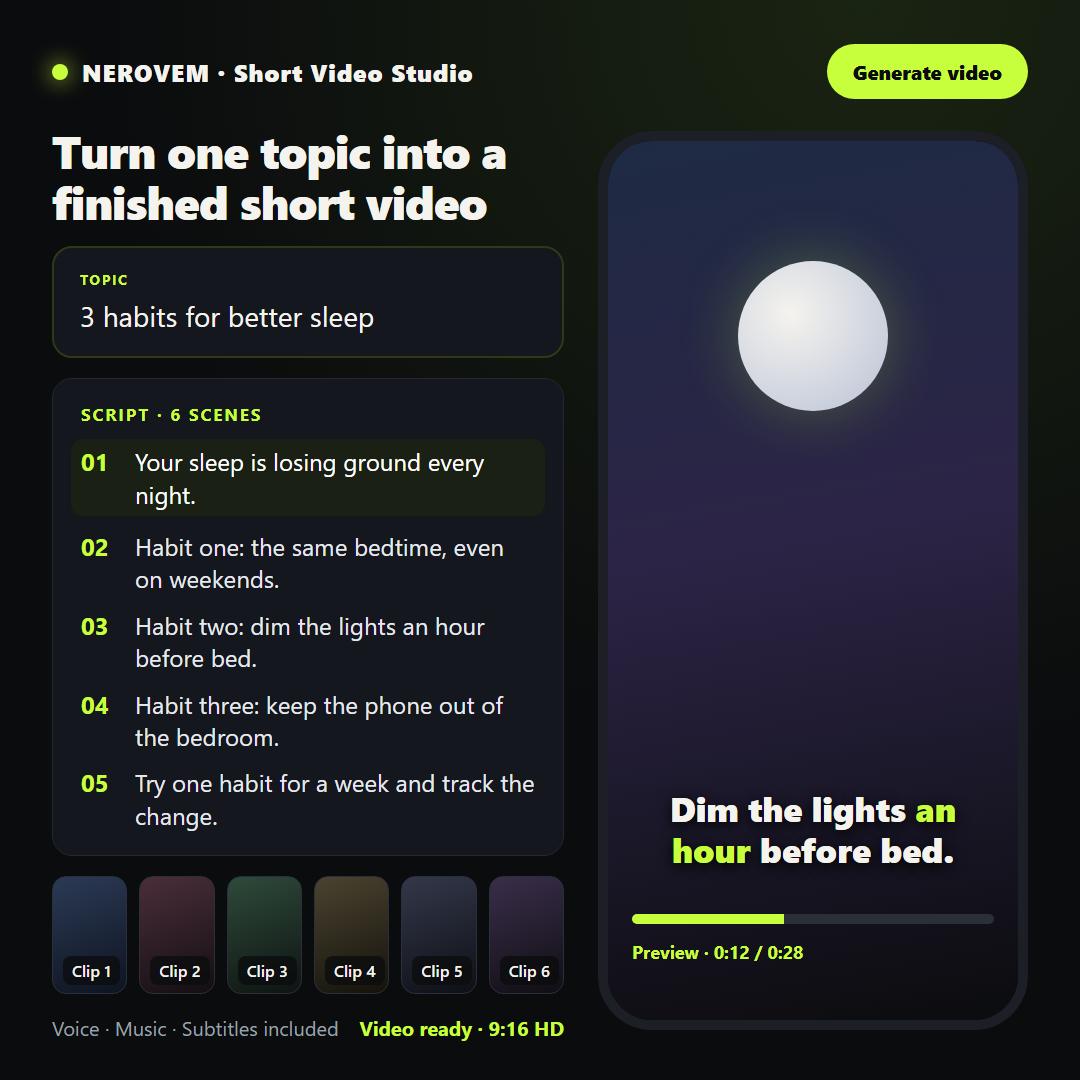
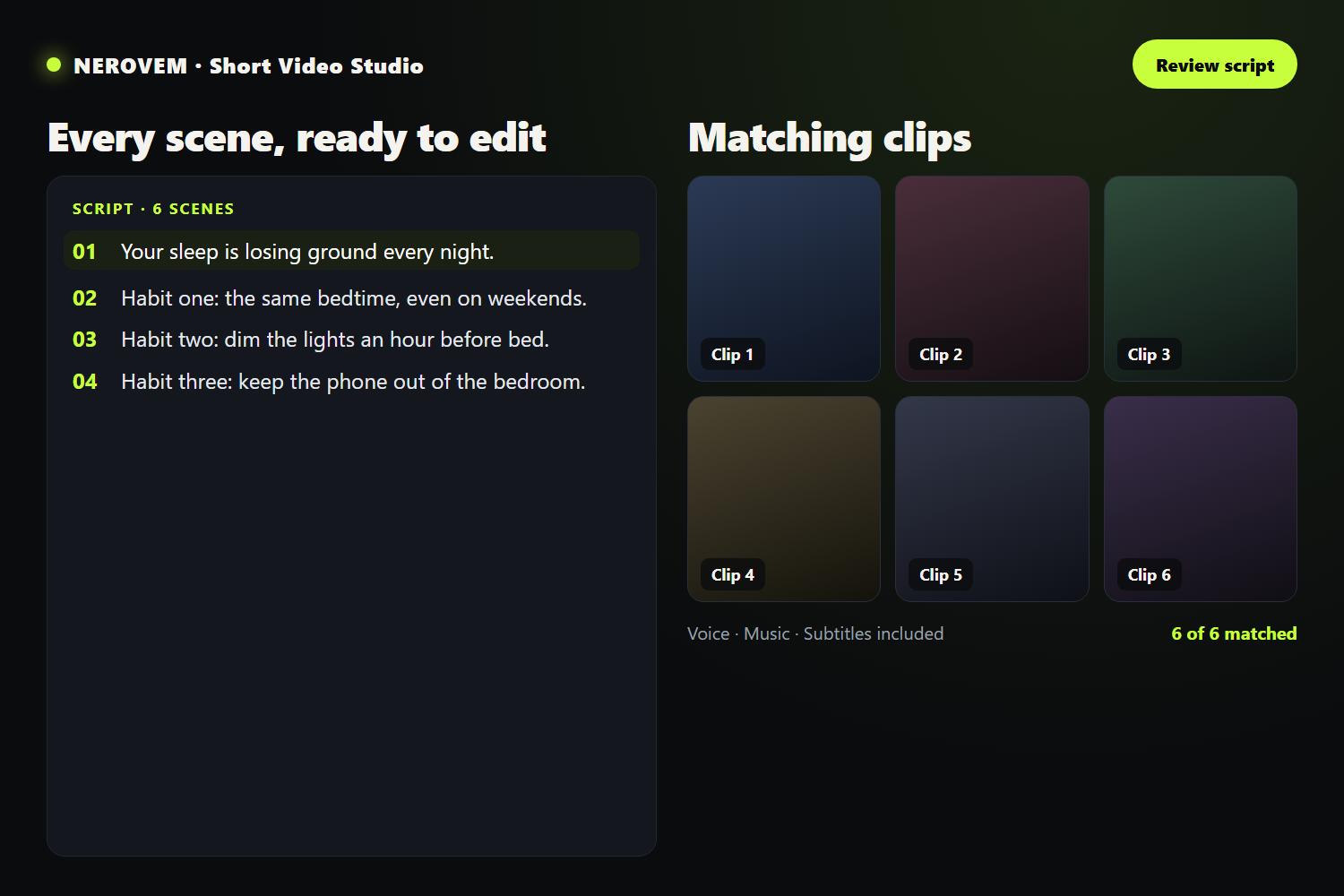
Type a topic or a keyword and the product builds the whole video: an AI-written script (or your own), stock footage or your own images, a voiceover, captions and background music. Export in HD as vertical, horizontal or square, in several languages. Run it from your browser or connect it to your own tools. You decide what gets posted: you review every video before it goes up.
Type a topic or a keyword, or paste your own script.
Pick the language and the format: vertical, horizontal or square.
Generate: script, footage, voice, captions and music, already assembled into an HD video.
Features
Where it fits
Requirements
Hardware is not included in the licence: it is bought separately and we tell you what you need.
Licence
One price. Every use.
One purchase, and you put it to work however you like: in your business, for your clients or inside your product. All included, updates too.
Put it to work in your business, with nothing to build.
A problem that costs you money, solved with a proven system
Install it yourself or with your technician, or we do it, remotely or in your area
The only thing not included: reselling the software on its own. Exact rights are in the licence you receive when you buy.
Price and options
One price. Every use.
FAQ
What do I need to use it?
A Windows, macOS or Linux computer and free keys from stock-footage services (for example Pexels or Pixabay). If you want AI to write the script, you also need a key from an AI provider; otherwise you can use your own script and a free voice. These are third-party services, and their terms are their own.
Is it hard to get running?
You need to follow the guide step by step: it takes you from setup to your first video, with the keys and the most common problems covered. We do not offer remote setup as part of the price. If you would rather have us do it, there is a separate service, on quote.
Do the videos come out ready to post?
They come out assembled, with voice, captions and music. You review them and decide what to post. We do not promise views or sales: that depends on your content and your audience.
Is this software made by NEROVEM?
No. It is open-source software under the MIT licence, created by its author. NEROVEM sells the packaged copy with the guide, the configuration sheet and the updates. You are paying for the ready-to-use package, not for exclusivity of the software.
What does it cost, and when do I get it?
One price: $149, one-time, for every use, with updates included and no subscription. You get your copy and the guide within 12 hours; if they do not arrive in time, you get your money back. The only thing it does not include is reselling the software on its own.
I run an agency: can I use it for my clients' videos?
Yes. The single price covers using it for your clients, charging them for the service yourself and building it into your product. Check the terms of the third-party services (footage, AI) for commercial use.
NEROVEM Short Video Studio
Questions before you buy? We answer.
Request information or a quote. We reply within 48 working hours.